
One account entry
Instead of following mixed links, use the home entry to begin your profile. It keeps the account flow tied to the same lobby and wallet area.

We bring Roulette, Winter Wonders, Aviator, Crash Game and live tables into one home lobby with UPI, Paytm, PhonePe and Google Pay…
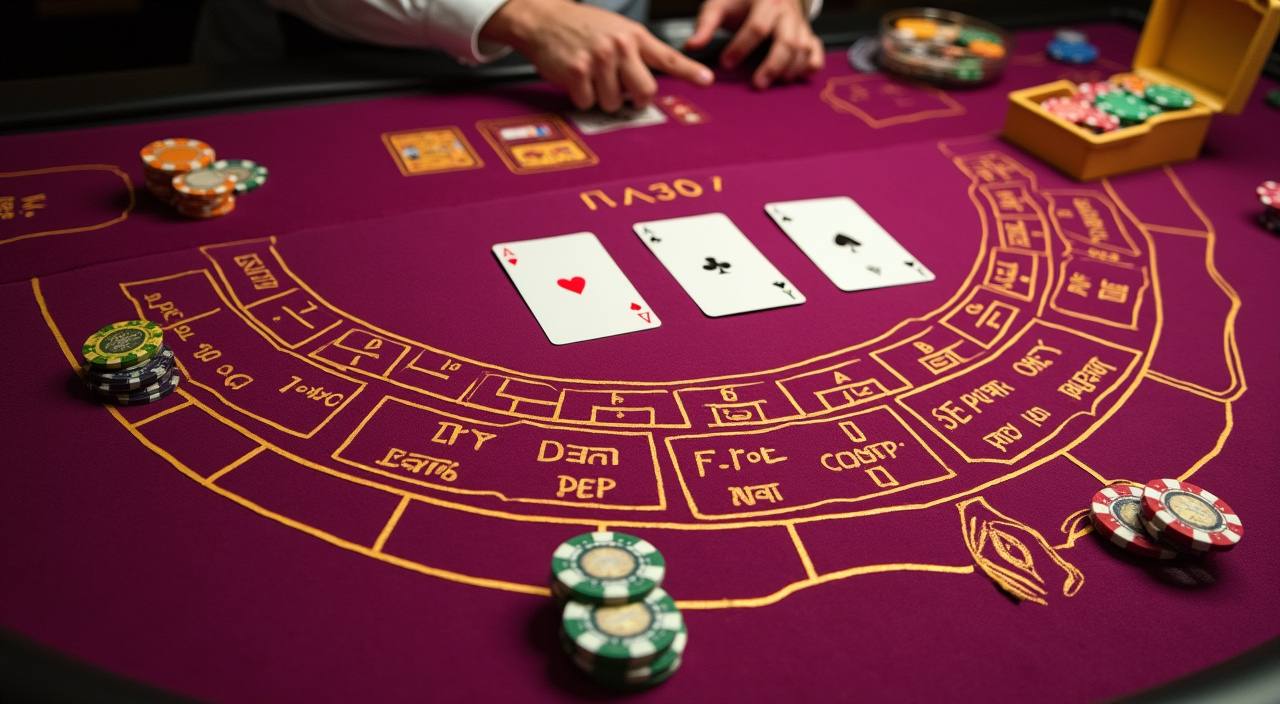
Expect slot rooms, live casino tables, table classics, crash rounds and quick account tools arranged for India access.
You will see familiar names such as Pragmatic Play, PG Soft and Habanero across our slot and table areas.



Explore promotions across slots, live dealer and fishing games. Terms apply.
Open account
Member promotions for football, esports and live in-play markets. Terms apply.
Open accountYour wallet area on the home page is built around names you already use in India.
Create your free account in under a minute.
Top up with your preferred local payment method.
Pick from slots, live casino, sports and more.
Enjoy fair play with instant results.
Cash out quickly to your account.
The home page is not only a doorway to games. It also points you toward areas that explain how your account works, what game categories feel different, and…
Your home page should answer the first account questions without making you hunt through menus.
Questions should not require a long search. We place help links near the account and footer areas so you can move from a wallet status, login prompt or game issue into the…
The home page is designed for Android and iPhone browsers without forcing you through a heavy download.

Seamless on phone, tablet and desktop — no download required to start.

Safety on the home page starts with clear account handling. We use secure sign-in, device checks, wallet verification and contact confirmation to reduce mistakes and unauthorised…
Buttons, category cards and wallet prompts are sized for phone use, so you do not need to pinch the screen while checking games or account status.
We monitor sign-in attempts and may ask for confirmation when a new device or unusual access pattern appears on your account.
Withdrawal checks can compare account details with the receiving wallet or bank route. This helps reduce misdirected transfers and keeps records cleaner.
Game cards separate live tables, slots and arcade formats, while provider names appear where available so you know which studio created the room.
Searching across chats, screenshots and old links can make account choices messy. Our home page keeps the main path in one place: open account, scan casino categories, check wallet names, read safety…
Instead of following mixed links, use the home entry to begin your profile. It keeps the account flow tied to the same lobby and wallet area.
Slots, live casino, crash, table games and fishing are separated by format, so you do not need to identify a game from a random image.
UPI, Paytm, PhonePe and Google Pay appear where wallet actions happen, reducing confusion between account balance and external app steps.
Help links sit close to account actions, so you can report a login, wallet or game issue without leaving the home path.
After wallet or profile actions, status text helps you understand whether a request is pending, complete or waiting for verification.
Where access is mentioned, we use local-law wording so you know availability can depend on where you are in India.
Before you open a room, the home page helps you understand the category style.
| Slots | Slot pages usually show feature style, volatility feel and provider name, helping you compare Winter Wonders or Sweet Bonanza before entering. |
|---|---|
| Live Tables | Live rooms highlight dealer stream, table type, seat availability and limits, so you know whether the table fits your planned stake. |
| Crash Rounds | Crash and Aviator-style games centre on timing and multiplier movement, so the entry card separates them from standard slot formats. |
| Table Classics | Roulette and Baccarat cards focus on rules, pace and table range, giving you a clearer choice between wheel and card formats. |
| Fishing Rooms | Fishing God style rooms use arcade targeting and fast turns, so we label them apart from slots and live casino. |
The sataka home page is written for India, but access can vary by state, connection route and local rules. When eligibility is discussed, it depends on local law and is available where local law permits. If the lobby does not open fully in your area, check the on-screen message and contact support before trying another account action.
Small details make the home page easier to use. We focus on clear game cards, local wallet naming, direct help paths, visible account controls, mobile-friendly spacing and plain region wording.
These answers focus on the sataka home page and the first choices you make from it. Use them to understand account entry, game categories, wallet labels, safety prompts, mobile use and regional access before moving into the lobby.
Start from the hero if you are new, then move through game categories, studio names, wallet choices and safety blocks.
Use the first screen to confirm you are in the India-facing home area, then choose whether to open an account…
Read the category card before opening a room. Slot, live table, crash and fishing formats all ask for different attention.
Before sending funds, check the wallet name, account details and status message. Wait for confirmation before repeating a request.
If a login, wallet or game screen looks wrong, contact support from the home page before changing account details or…